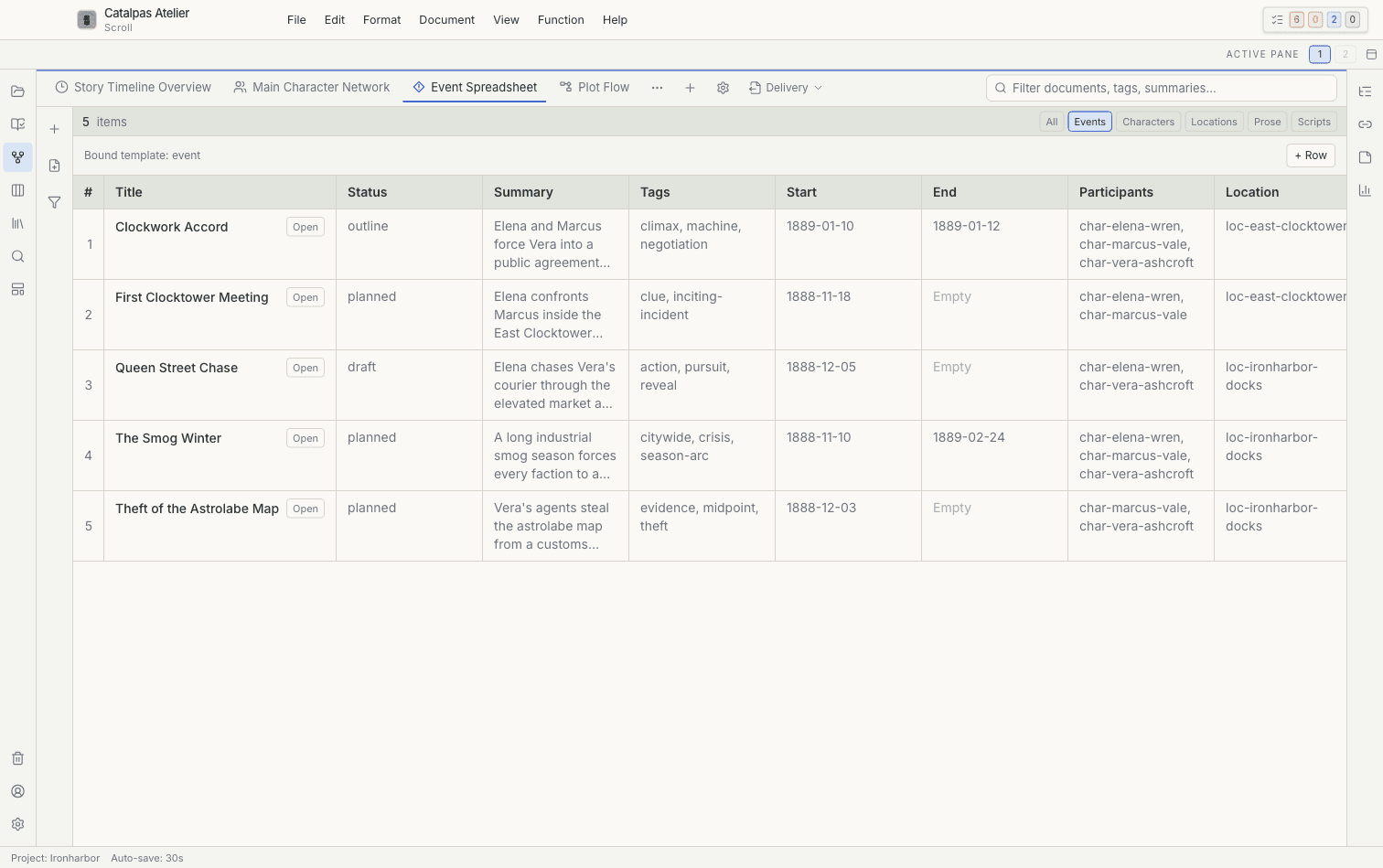
Review the Story as structured records
Review events, dates, locations, participants, and other fields together in Spreadsheet view before you revise.
Catalpas Atelier writing workspace
A local-first writing and planning studio for novels, nonfiction, and complex long-form projects. Draft in Markdown, organize story data, compare timelines, and keep every working file in a project folder you control.
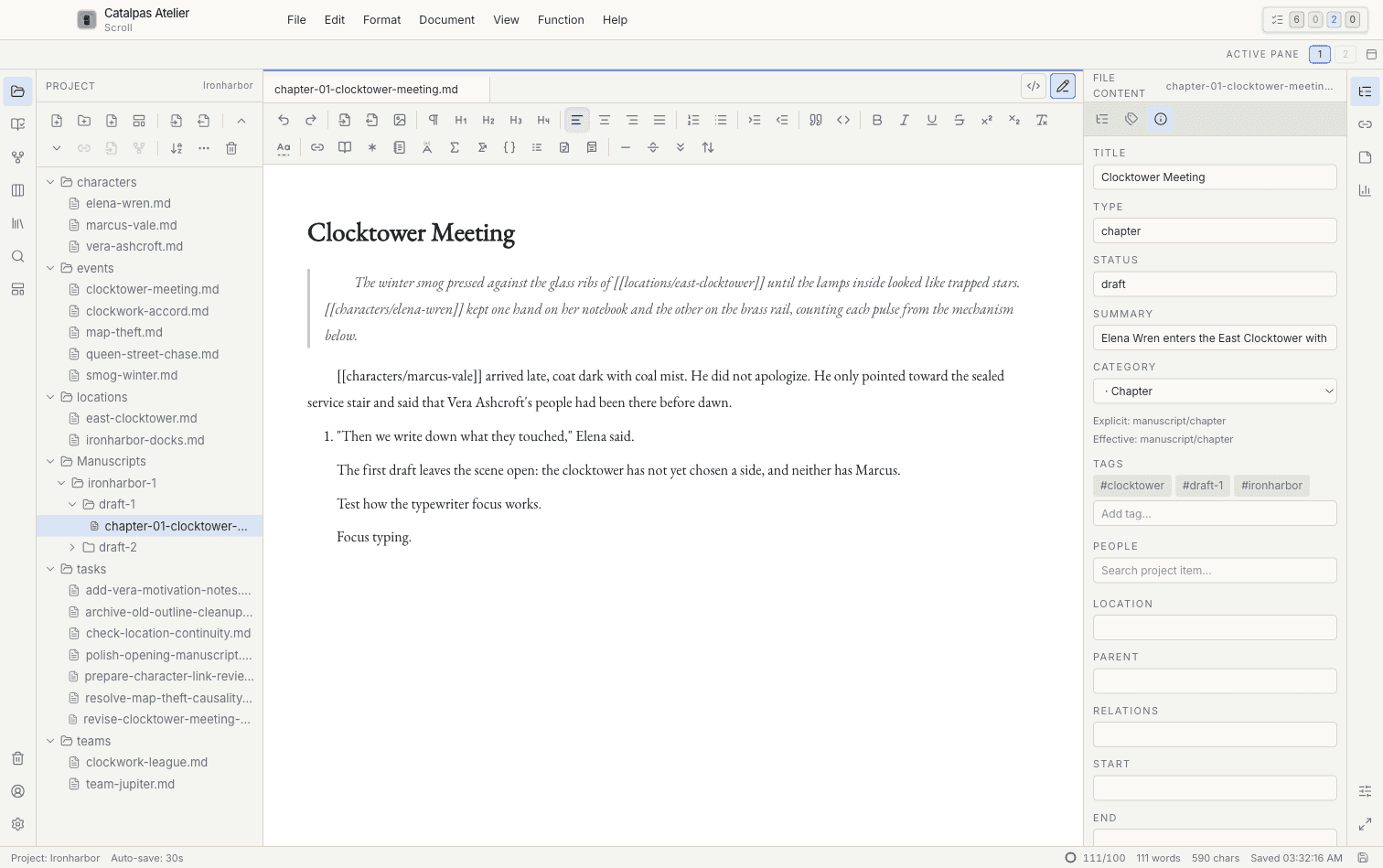
Project-first writing
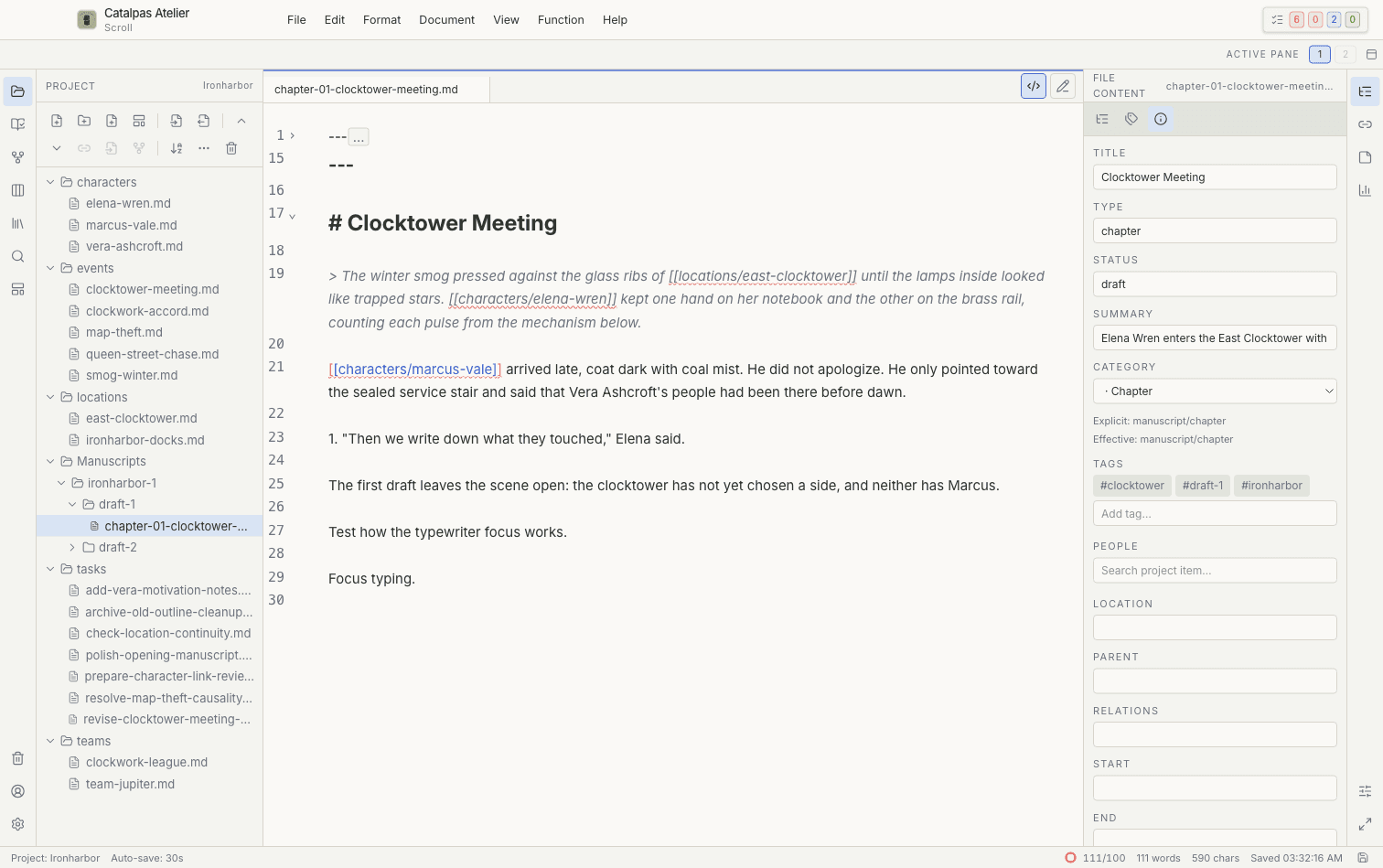
Write in a focused editor while the project tree, linked cards, metadata, references, and inspector stay close at hand. Scroll works with ordinary local folders and readable source files, so the project remains portable outside the app.
One Story, eleven built-in views
Scroll's eleven built-in Story views read the same local records. Move from fields and dates to relationships, places, or visual canvases without duplicating the Project.
Review events, dates, locations, participants, and other fields together in Spreadsheet view before you revise.
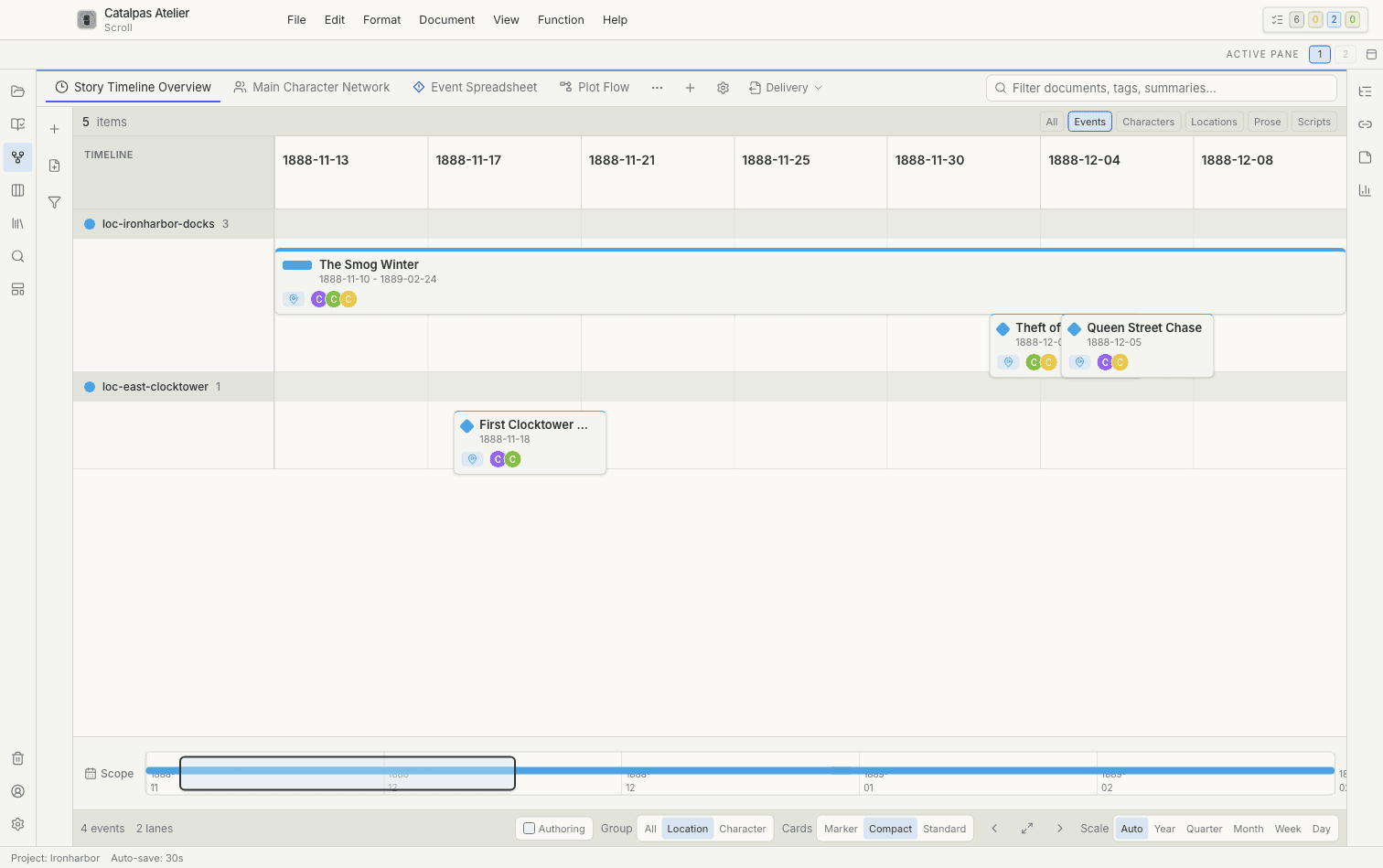
Use Timeline, Gantt, or Subway views to inspect sequence, duration, and parallel threads from the same records.
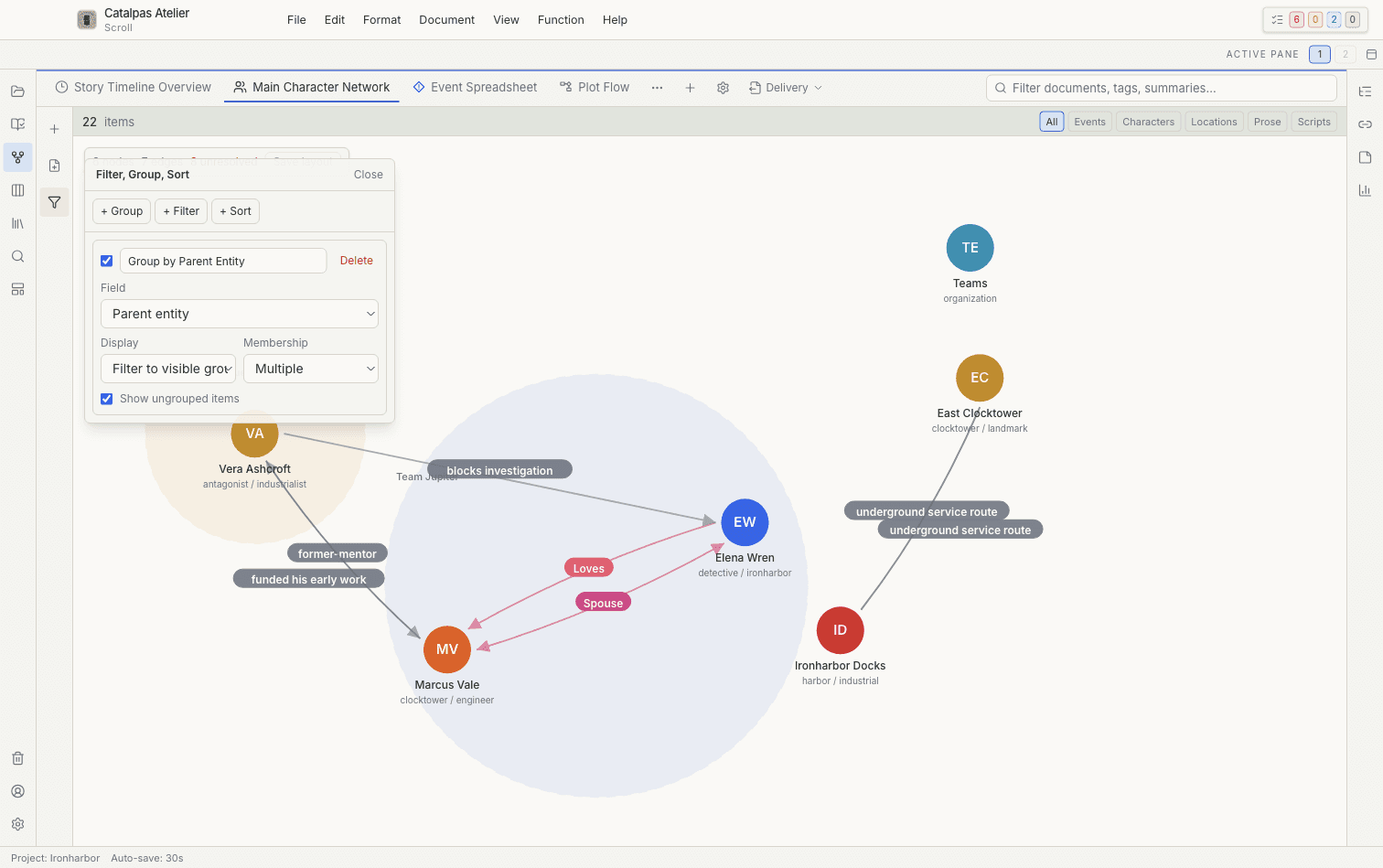
Filter, group, and sort a Relationship graph, then save that view for the next pass through the Project.
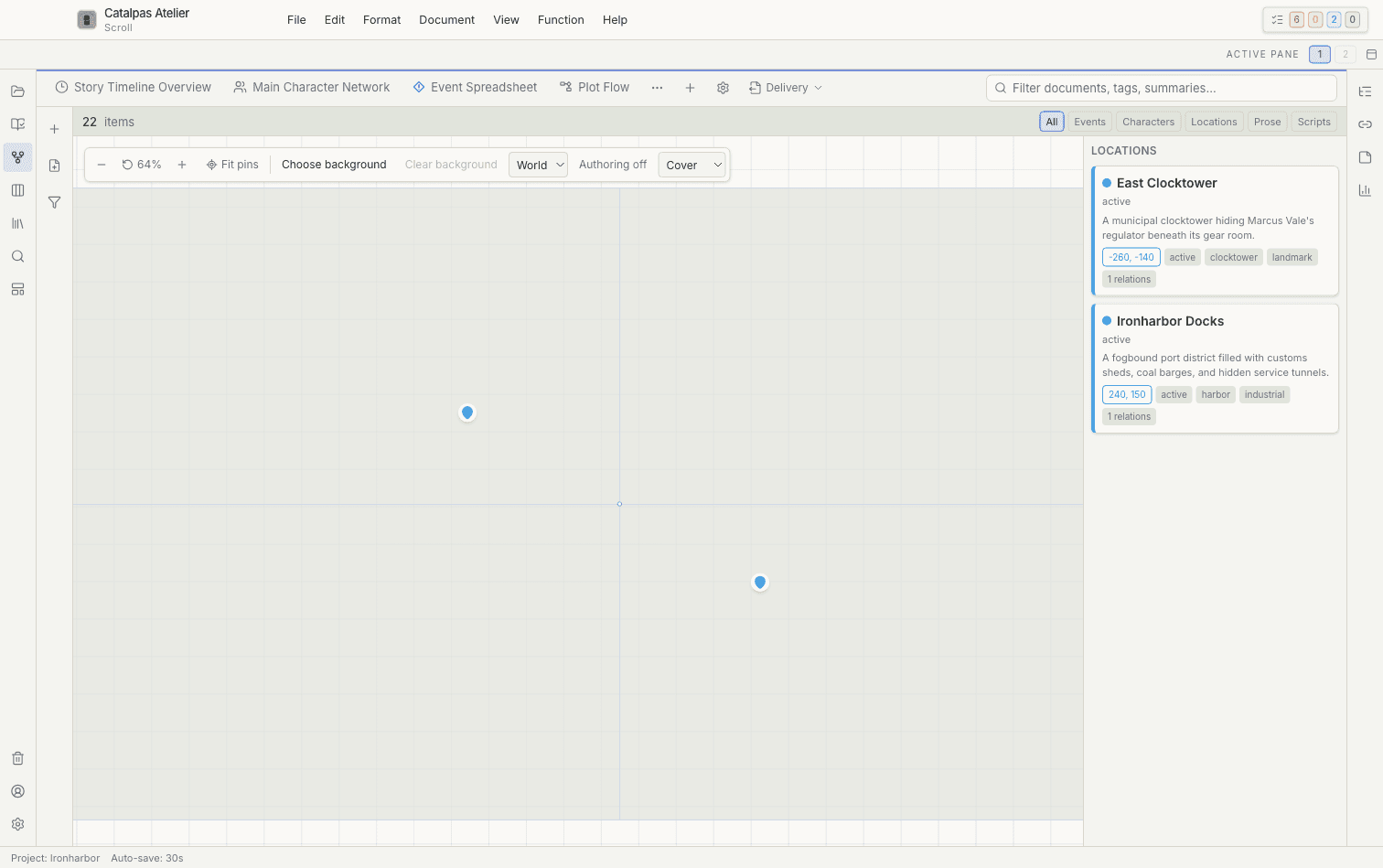
Pin locations on a Project map and inspect place cards without separating settings from the Story data.
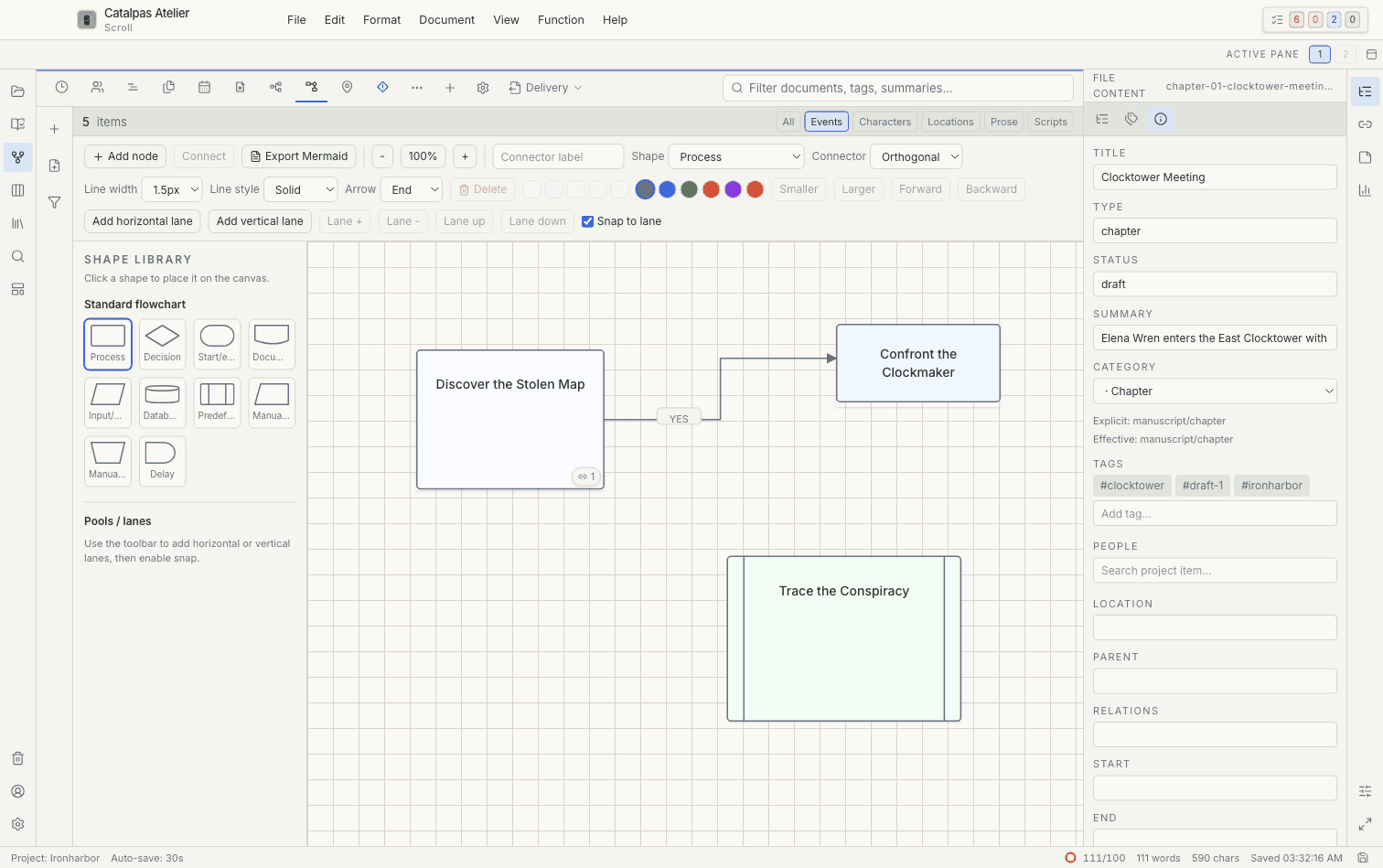
Use Mindmap, Whiteboard, and Flowchart views to cluster research, trace causality, and explore branches alongside the draft.
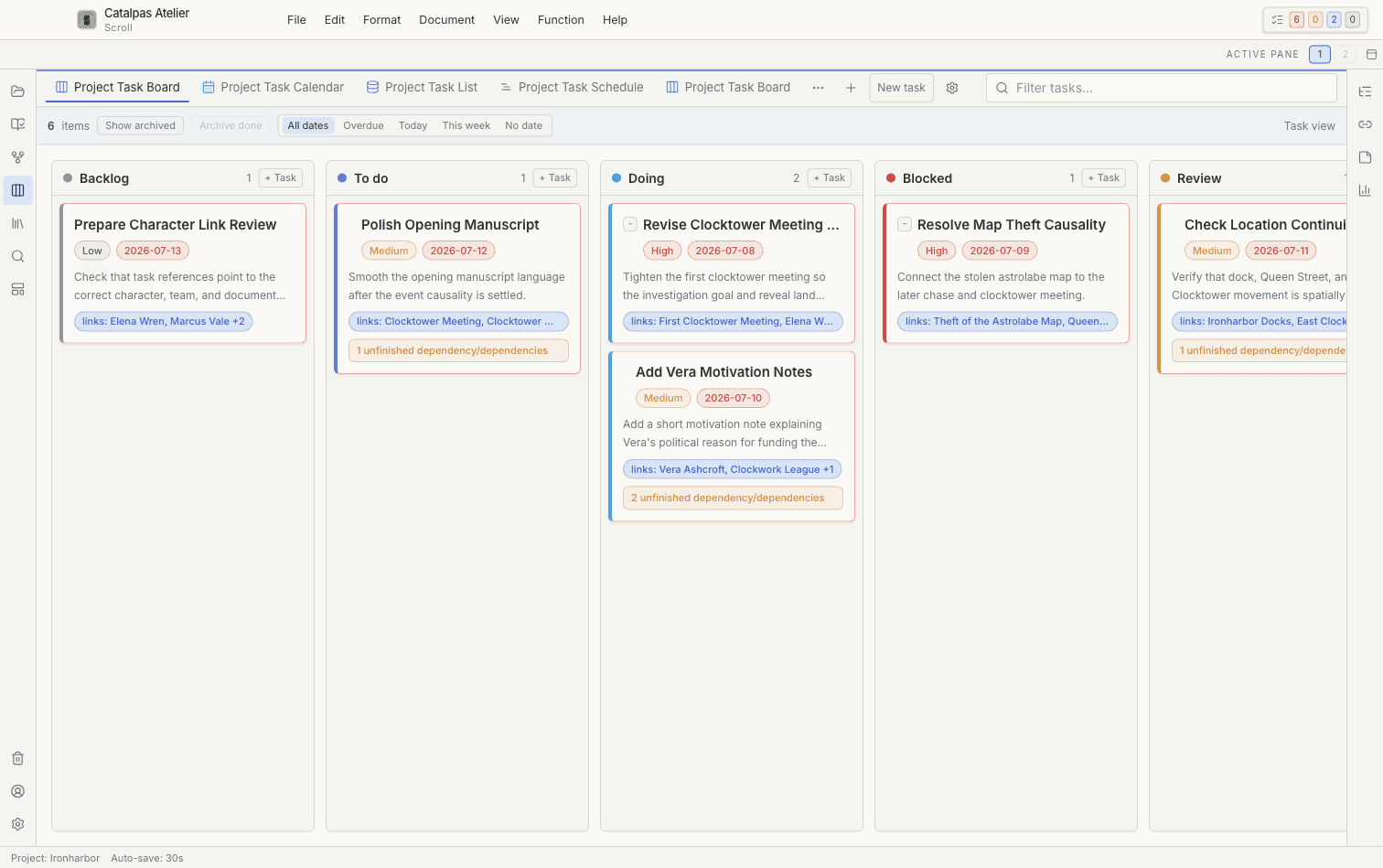
Turn revision goals into actionable tasks, then review the same work in Board, Calendar, List, or Schedule views.
Pricing
Use the broad local writing core on Free, add connected delivery on Plus, or maintain advanced project structures on Pro.
Start with the complete local writing core on Free. Upgrade only when the project needs connected delivery or advanced modeling.
Plan and draft in a complete local workspace.
Create reusable structures and connect delivery.
Customize each Project's structure and metadata.
These are Scroll standard prices. Stripe shows the final amount before payment; coupons are not supported for Scroll.
Download
Choose an available platform or browse older Scroll versions that are still supported.
Latest release
Older supported versions
Start with your own files
Create a Catalpas Atelier account to use Scroll Free. Plus and Pro add connected delivery and professional project modeling without moving your local source files into a proprietary cloud format.
Bundle option
Writing Suite keeps both apps on the same paid tier in one annual subscription, from manuscript planning and drafting through typesetting and export.
Includes Scroll + Scribe
From $59.99/year